Great pages ladies, thanks for sharing! I will be back later to spread some love

Sanna, to link a photo, here is what you do (there are a few ways, but this is how I usually do it).
Open a new window with your gallery and navigate to your page
Right click on your image, select properties and then copy the URL (address)
Go back to the post you want to add the image to, select the little icon above your post box that has a little mountain in it (second from the right) and paste the link in
If you want to link the image to your gallery ....
Highlight the actual address from the address bar at the top of the page where you copied the image URL
Highlight the image in your post and click on the link icon above your post box (third from the right) and paste the URL
HTH!




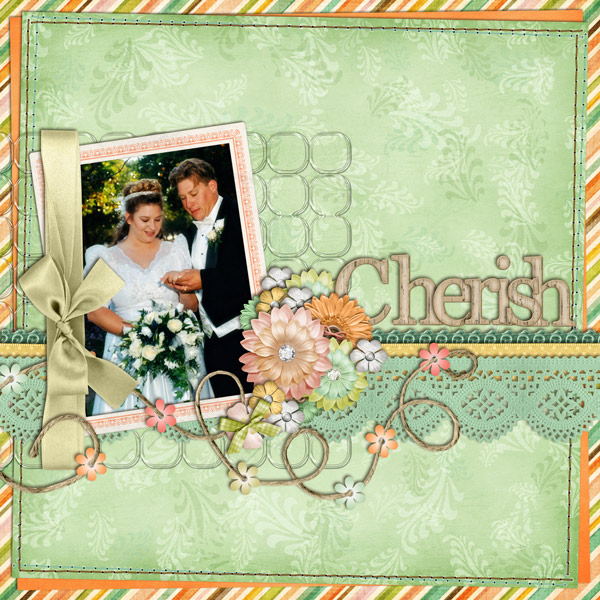



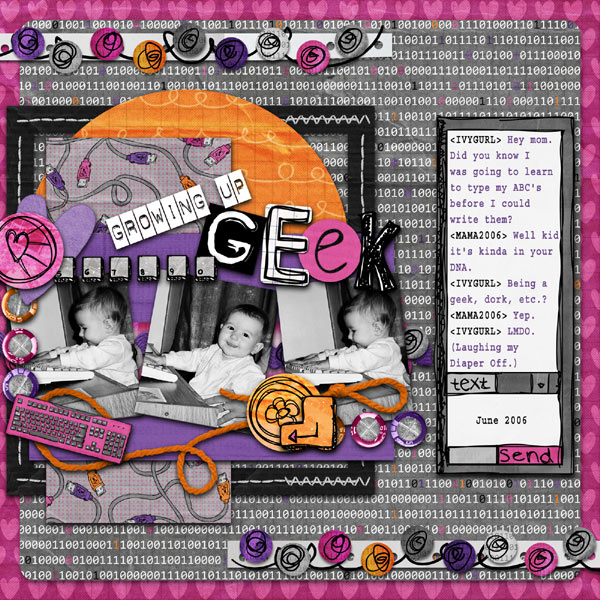


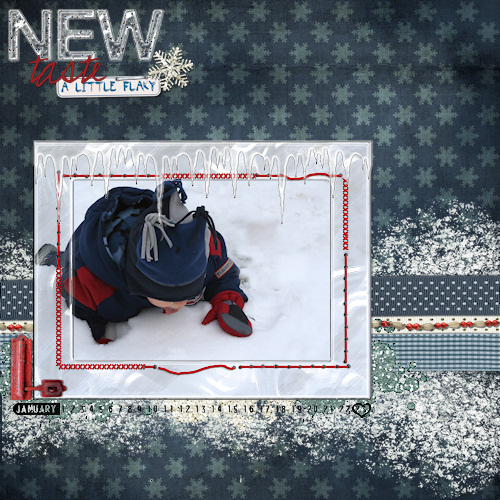

 ) But this one is my fave favourite