ISO Visual example for Grungy Edges

I didn't get those edges today, but I imagine what you would do is put that in a new layer over the image you want the edge on, select it and go back to the layer with your image and delete it on that layer, to get the effect.

edit...OR, as I just looked at the page for it, use the brushes instead and set the mode to 'clear'
 
I've been wanting to play with these. I'll go grab them and show you my results in a bit.
 
Last edited:
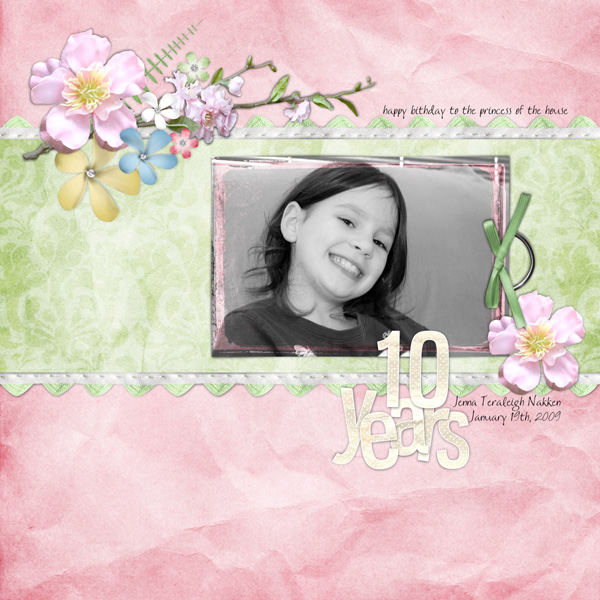
Here's an example...see the white around the top paper? That's it in brush form where you can change the color. It's also in png where it's black and you just put it on top. Kinda like overlays in a way, but with the awesome brush feature.


I have another example done, but can't post 'til tomorrow. ;)

HTH some! I love these and HIGHLY recommend getting them!
 
I haven't played with her new set yet, but it'd be the same effect as her other worn overlays, just more grungy. Kind of like the brown on the pink shape in the background of this layout but more grungy than that, if that makes sense. :D

threeyears.jpg
 
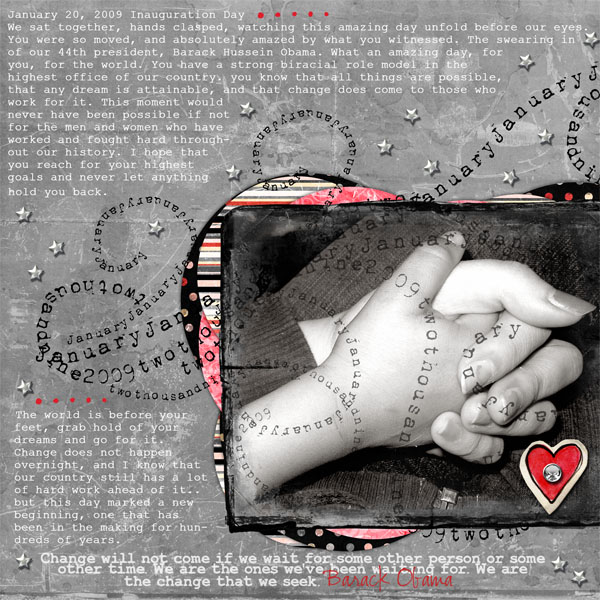
Here's what I did on a photograph. The first one is one of the .png files over the photo and set to 'overlay' blend mode. In the second photo I used the brush as an eraser.

PennysOverlays.jpg
 
Thanks, Misty!
These little edges are quite versatile....
Here's a little visual I made for you:
let me know if you have any more questions!

grungyexample.jpg
 
Thanks so much ladies! It's kinda what I was thinking...kinda like a photo mask in reverse...at least on the one technique...I understood the overlays. ok I'm buying the combo pack! I really appreciate this!
 
I totally picked the new ones up today! I can't wait to use them. Thanks for sharing all your LO and giving me ideas!
 
Back
Top