[url=
https://www.sweetshoppedesigns.com/sweetshoppe/Northern-Beaches-Bundle-by-Clever-Monkey-Graphics.html]Northern Beaches by Clever Monkey Graphics[/url]
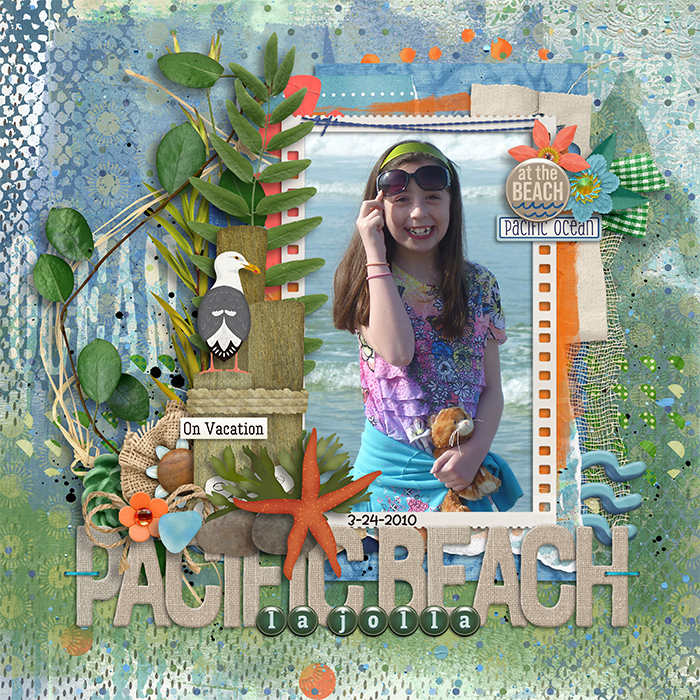
I had a specific frame in mind for this layout and it wasn't long enough. In Photoshop I set my rectangular marquee to a feather of 5 and then used it to copy a large center piece of the frame to a new layer above (CONTROL/COMMAND J) Then I went back to the frame layer and did this again closer to one end of the frame but used CONTROL/COMMAND SHIFT J so that I now lifted part of the original frame instead of a copy of it. Now be sure to reset your feather to 0 as you are done with this part it will confuse you later why your selections aren't working right! You now have 3 frame layers - 2 end pieces and a middle piece. Just use your arrow keys to move things around until you have the size you want. Be sure feathered edged are well overlapped. Need it even bigger? Just copy your layout that had the center of the frame and keep moving things. Note that if you hold down your shift key while hitting arrow keys, it will speed up the moving. When everything is sized how you want it, merge the layers.