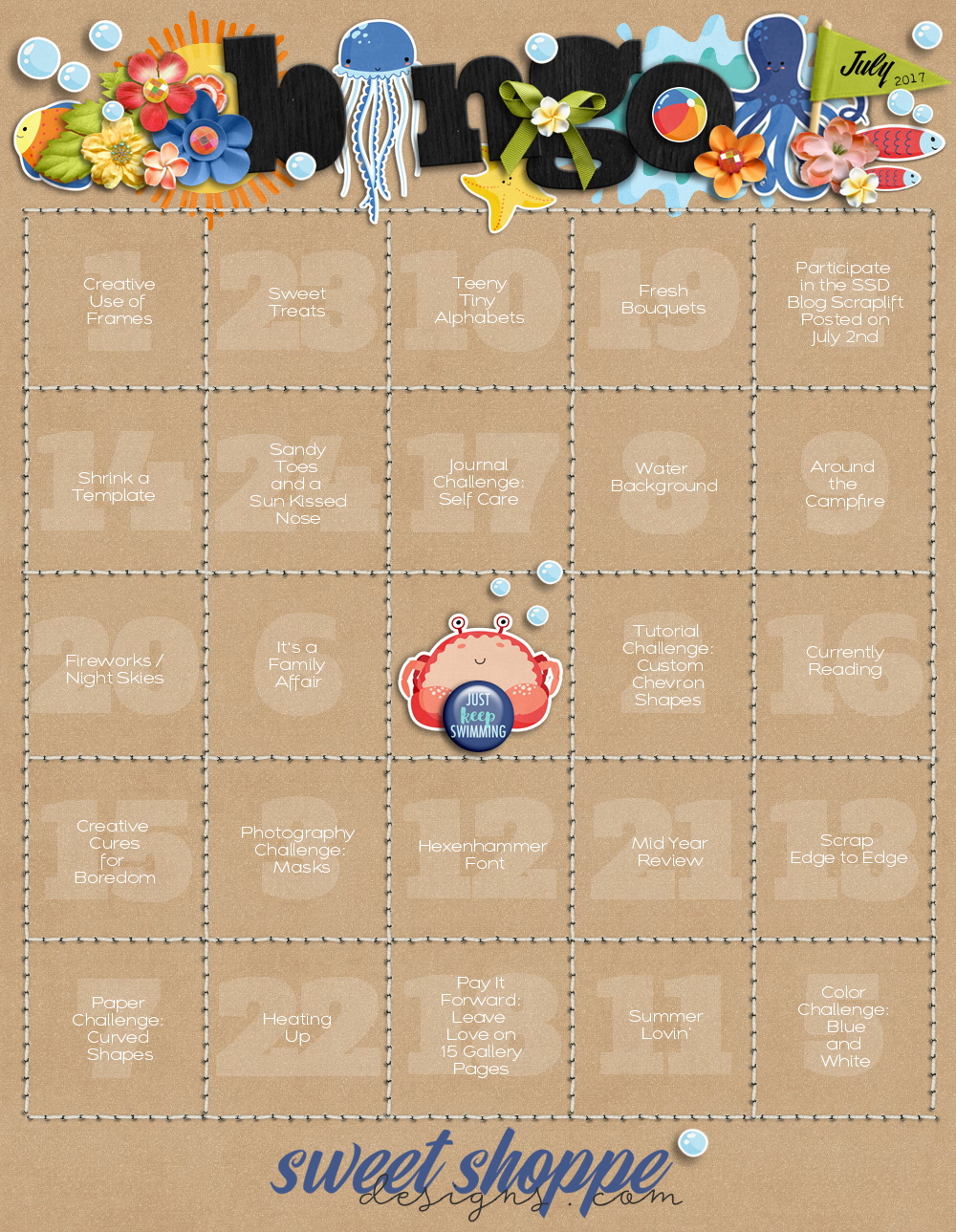
Here's a bit of extra information on a few of the prompts that might help you get started :
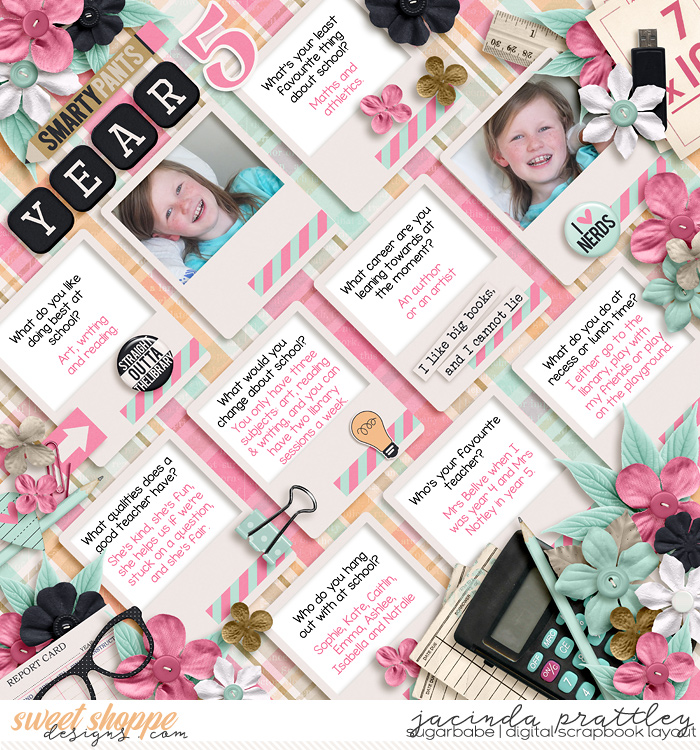
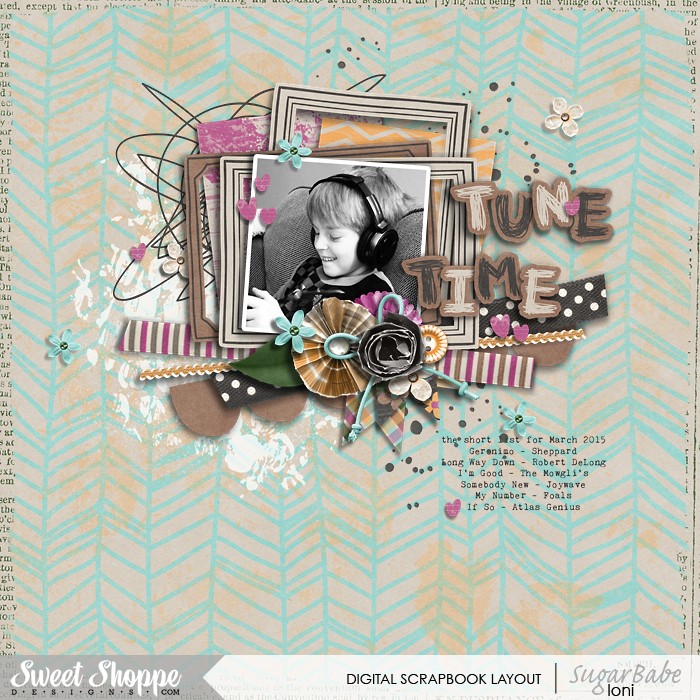
#1: Creative Use of Frames...
Use frame elements in unexpected ways...
 #2: Tutorial Challenge - Custom Chevron Shapes... Click HERE for details
#3: Photography Challenge: Masks...
#2: Tutorial Challenge - Custom Chevron Shapes... Click HERE for details
#3: Photography Challenge: Masks...
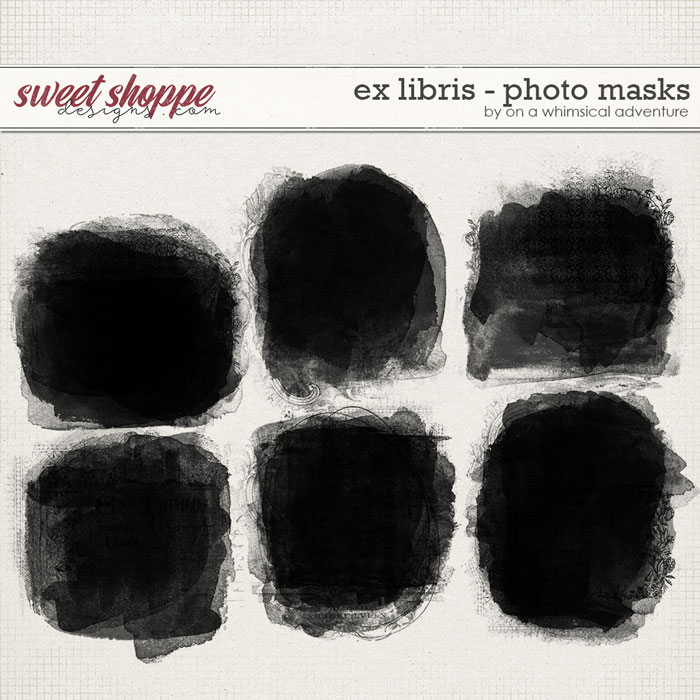
You can use a mask product to clip photos to, like this set from Whimsical Adventure:
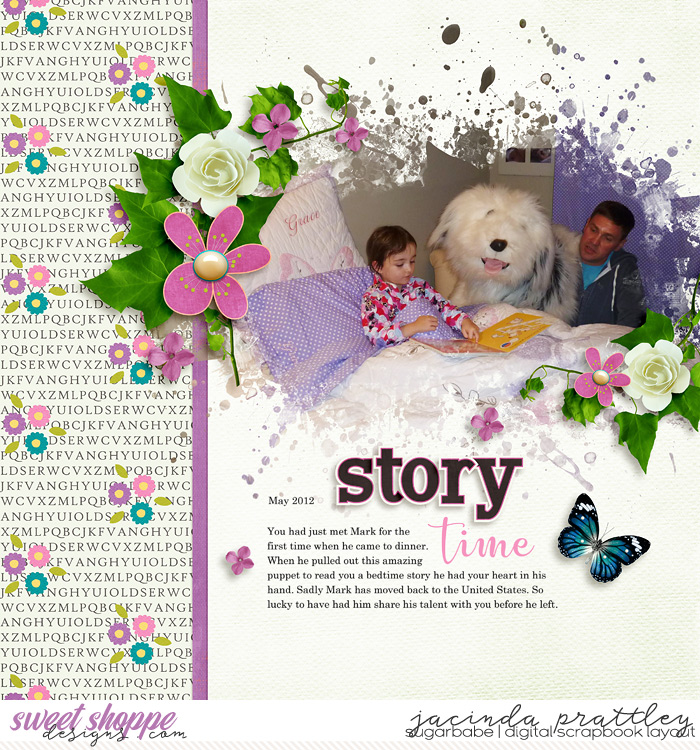
OR you can also use paint elements as masks and clip your photos to those...
like this great example from Jacinda:
 #4: Participate in the SSD Blog Scraplift posted on July 2nd...
On the first Sunday of each month, Sugarbabe Kim B. hosts a Scraplift challenge on the SSD Blog.
You have the entire month to play along and complete your page.
#6: It's a Family Affair...
Scrap about something that's special/specific to your family.
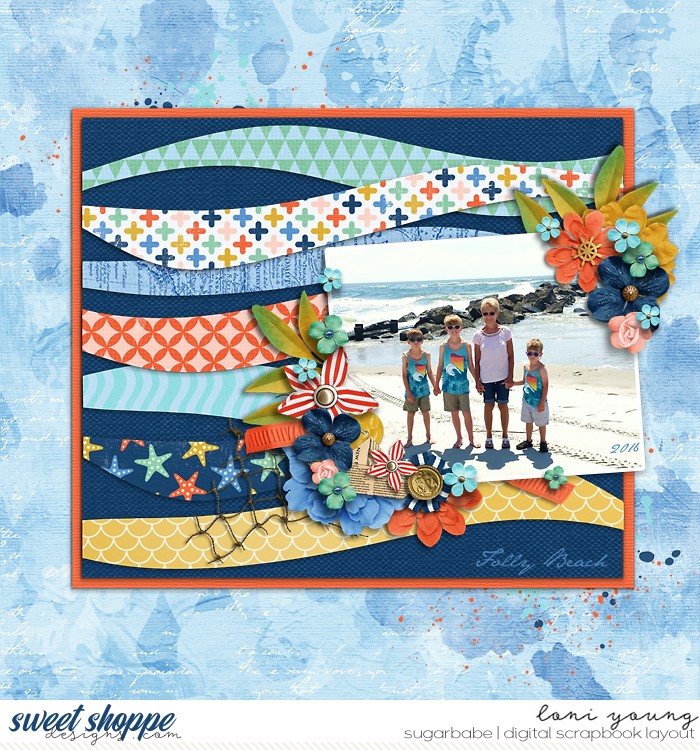
#7: Paper Challenge: Curved Shapes... Incorporate curvy shaped papers into your page.
Here are just a few Curve Inspired Templates to give you some ideas:
Potstickers by Brook Magee
Paper Clips - Wavy Templates 3.0 by Libby Pritchett
Half Pack 188: Framed 15 by Cindy Schneider
Fun With Shapes: Waves by Crystal Livesay
 #10: Teeny Tiny Alphabets...
 Feel free to use any alphabet similar to these :
example 1:
A Little Bit of This
example 2:
Alphlabels
example 3:
Alphabits
#12: Hexenhammer Font...
Click on the image below to download the font and then use it on your page.
 #18: Pay it Forward - Leave Love on 15 Gallery Pages...
You leave love on 15 layouts in the gallery and then post the link to each in your tracker thread.
Use the place marker below to "hold" that spot on your card ♥
First click on the image and then right click and save as a .png file.



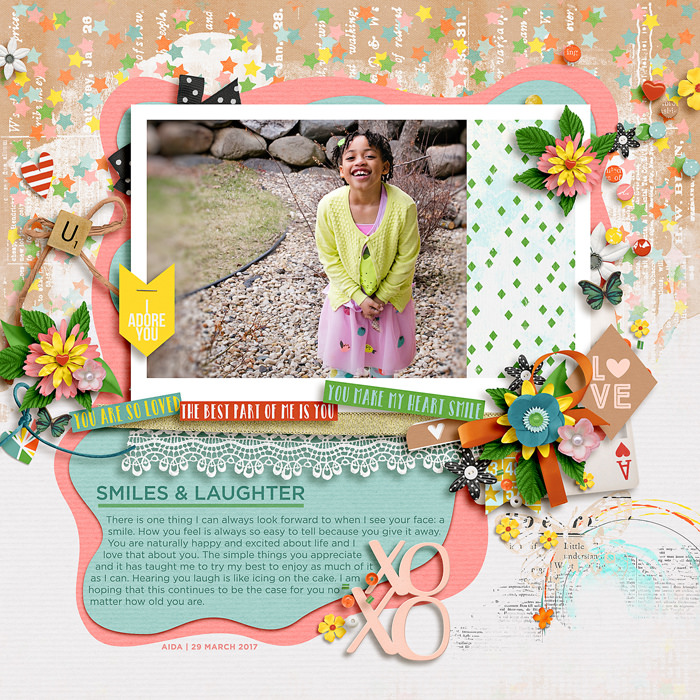
 .. Not related entirely to the bingo but kind of. I can't edit my post to add my other challenge entries. At the bottom of my page under "Posting Rules" it says "You may not edit your posts" So I'm just curious how I go about putting my newest entries on the thread. Thanks so much for your time.

