January 2018 - Bingo FAQ

lingovise

Sweet Shoppe SugarBabe
If you have any questions regarding THIS month's Bingo challenges, please post them here.

We have a wonderful team and community here at SSD....
so someone is sure to get back to you ASAP with answers to anything and everything related to our Challenge Bingo system!

Here is this month's card for easy reference:
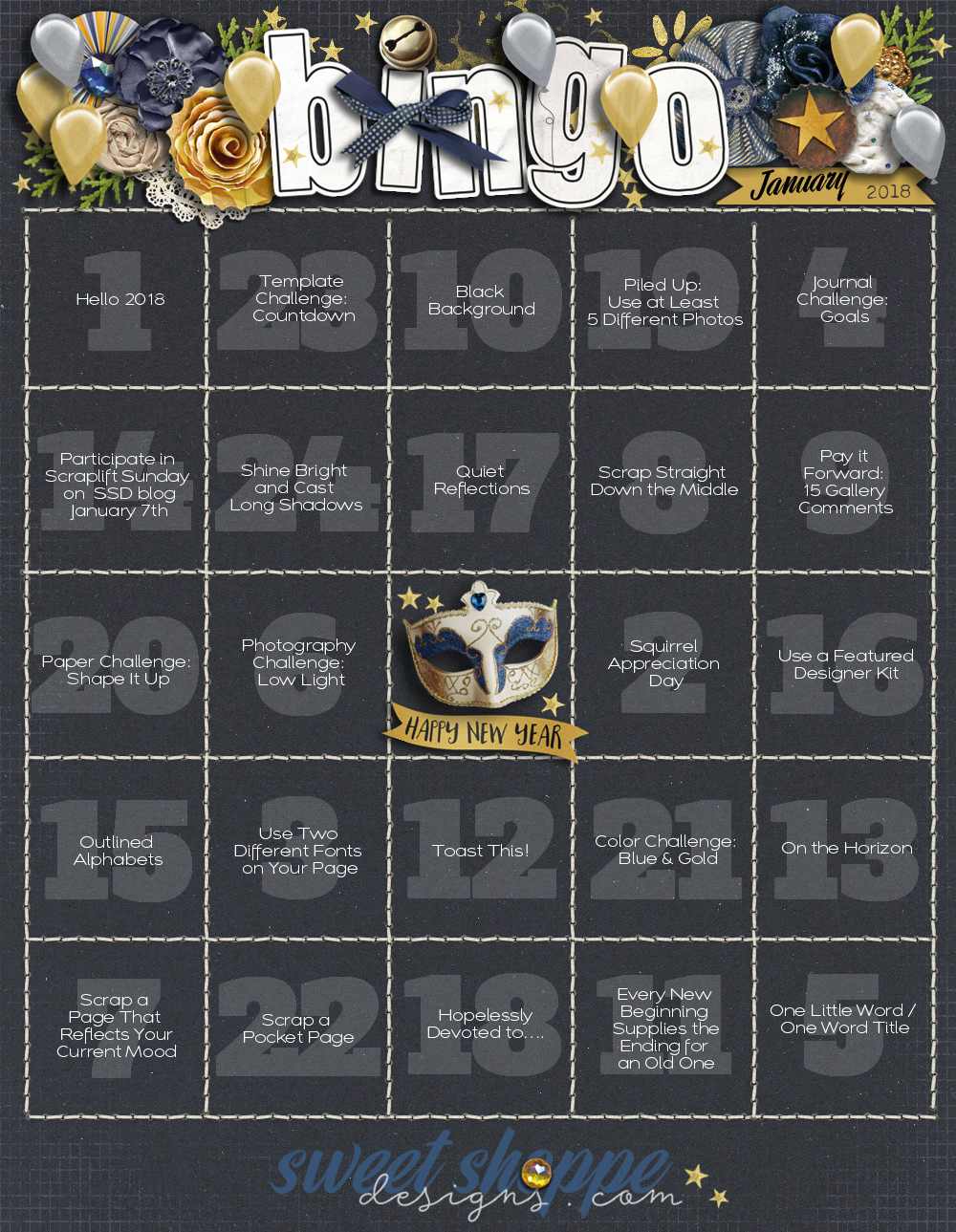
2018_January.jpg
 
Here's a bit of extra information on a few of the prompts that might help you get started :

#2: Squirrel Appreciation Day:
Scrap about what distracts you :D

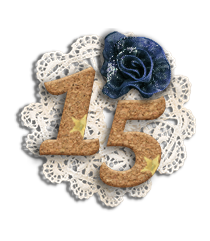
#9: Pay it Forward - Leave Love on 15 Gallery Pages...
You leave love on 15 layouts in the gallery and then post the link to each in your tracker thread.
Use the place marker below to "hold" that spot on your card ♥
First, click on the image below ... then right click that image and save as a .png file.


#14: Participate in the SSD Blog Scraplift posted on January 7th...
On the first Sunday of each month, Sugarbabe Kim B. hosts a Scraplift challenge on the SSD Blog.
You have the entire month to play along and complete your page.

#20. Paper Challenge: Shape It Up...
Scrap with any paper shapes you'd like... feel free to use all one shape or mix it up and use several that are different!

#23. Template Challenge: Countdown...
Use a template where numbers are a predominant feature and let them help to tell your story.
 
Last edited:
So use it as a quote/title or somewhere in your journaling. Got it. I thought it might be a quote we had to scrap. I wasn't sure if it was just inspirational. I had no idea! :D So thank you for answering that one!
 
So use it as a quote/title or somewhere in your journaling. Got it. I thought it might be a quote we had to scrap. I wasn't sure if it was just inspirational. I had no idea! :D So thank you for answering that one!

Like #24... It's merely meant to act as inspiration for a page... you can certainly use/reference the sentiment or wording of the message on your page, but it isn't necessary ...
I hope that helps
 
Last edited:
Like #24... It's merely meant to act as inspiration for a page... you can certainly use/reference the sentiment or wording of the message on your page, but it isn't necessary ...
I hope that helps

Oh!! #24 I was going with the literal and looking for bright photos with just shadows!! Sometimes I'm too literal to interpret things. Sadly, one of my kids is just like me and she understands my thought process! :D
 
I just participated in the Sweet Little Holiday Party Challenges and one of them was to scrap your One Little Word. Can we use THAT layout for the same challenge on the card or do we have to do a separate one? (Just checking)
 
I just participated in the Sweet Little Holiday Party Challenges and one of them was to scrap your One Little Word. Can we use THAT layout for the same challenge on the card or do we have to do a separate one? (Just checking)

You'll have to do a new page, as there's no double dipping :D
But you could switch things up and create a One Word Title layout instead.
 
Thanks!!

Oh good! I didn't want to redo something I'd already done...but a one word titled page is easy! Thanks!
 
Could you clarify #16 for me - Use a Featured Designed Kit? I found the featured designer tab in the store...do we need to use one of the kits shown there or any kit by the designers listed there?
 
Could you clarify #16 for me - Use a Featured Designed Kit? I found the featured designer tab in the store...do we need to use one of the kits shown there or any kit by the designers listed there?

Amanda Yi is our current Featured Designer [until Januaray 12th - found under the *Limited Time Offer* Tab in the Shoppe] and is offering the darling True Colors kit. These are kits/products that are offered every two weeks as promotions ... *Free with a $10 purchase* and are automatically added to your order if it qualifies. We'll have two more Featured Designer Kits available in January, but you're free to use any kit that's previously been available as a Featured Designer Kit. I hope that helps.
 
Last edited:
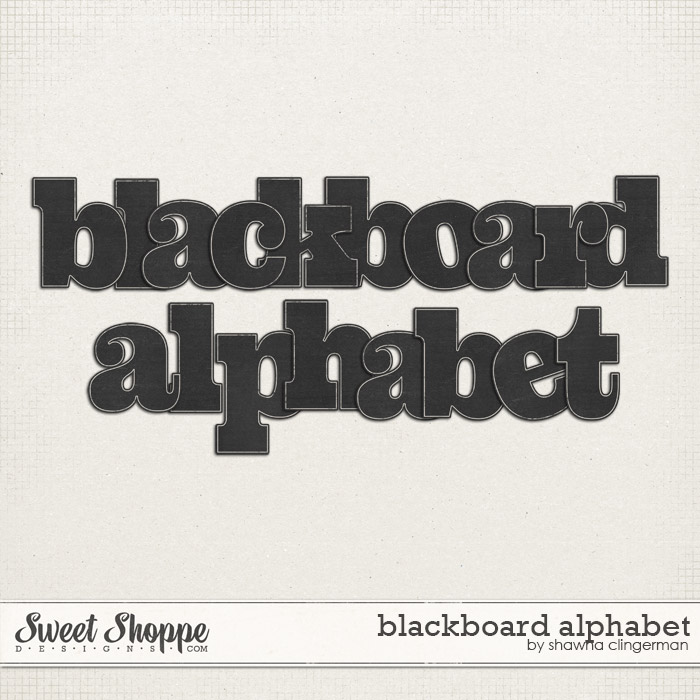
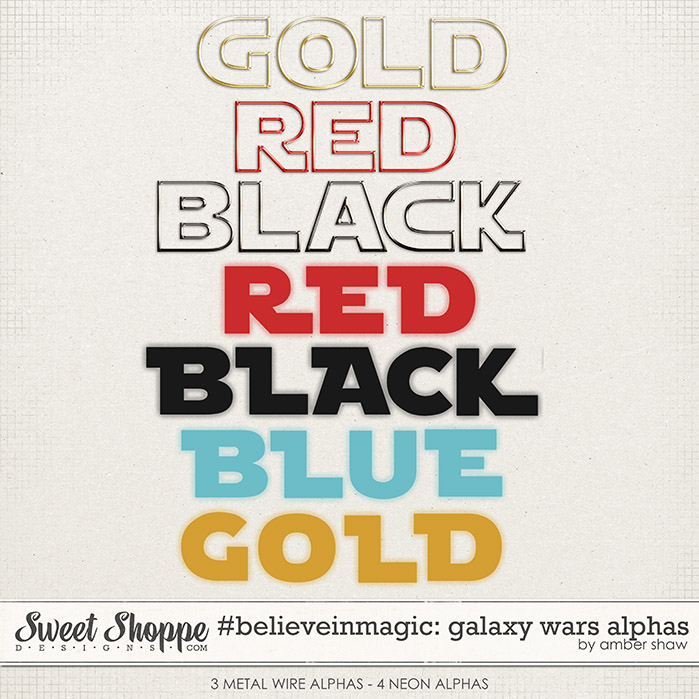
in the outlined alphabets does this mean you can use an alpha and have it outlined? Or does it need to be a font that is outlined?
 
and just for more clarification...

Any outlined alphabet that is similar to the one Sherly shared above will work for challenge #15... as will an alphabet like the first three rows on the following product:


I hope that helps.
 
That's totally ok Jenn!
The challenges are easy going and open for interpretation. Thing is to just scrap 'in the spirit of the challenge'.
 
for the use a featured designer kit, is it that I have to use the current one or is anyone ok? If it is that anyone is ok, is there an easy way to look back and find which one was a featured designer kit? I don't label them as FWP kits.
 
for the use a featured designer kit, is it that I have to use the current one or is anyone ok? If it is that anyone is ok, is there an easy way to look back and find which one was a featured designer kit? I don't label them as FWP kits.

I just went to the blog and typed in "featured designer kit" in the search option and came up with this list. From there, I went through what I have (which is most of them) and scrapped one that I hadn't' scrapped before:

https://www.sweetshoppedesigns.com/?s=featured+designer+kit
 
for the use a featured designer kit, is it that I have to use the current one or is anyone ok? If it is that anyone is ok, is there an easy way to look back and find which one was a featured designer kit? I don't label them as FWP kits.

You're free to use any Featured Designer Kit ♥
If you search FWP or Free with purchase on the blog. You'll get all the blogposts with FWP kits.
Click Here for Link
 
Last edited:
next question.......
is it that I have to use the FWP kit or is any of the kits that the featured designer has on sale during their week eligible?
Hope I don't sound too confusing.

I have edited the rest of my post as I did use a FWP kit after all but am curious in case others are now wondering also.
 
Last edited:
next question.......
is it that I have to use the FWP kit or is any of the kits that the featured designer has on sale during their week eligible? Asking because I used Winter Woodland by Flergs that she had on sale during her week. If I can't then I will see if that page fits another challenge :) and use the actual FWP kit.

Hope I don't sound too confusing

That is a good question. I always assumed it had to be the one that was free! I hope they clarify because that can help a few people who don't have a FWP kit!
 
That is a good question. I always assumed it had to be the one that was free! I hope they clarify because that can help a few people who don't have a FWP kit!

true, I spend way too much here so have quite a few of them :o but this kit just went with my photo perfectly. If I can't use it no problem I will see if it fits somewhere else. ;)

ETA: it fit another challenge perfectly as I used a FWP kit that went great with another photo I wanted to use :)
 
Last edited:
next question.......
is it that I have to use the FWP kit or is any of the kits that the featured designer has on sale during their week eligible?
Hope I don't sound too confusing.

The spirit of the challenge is to use a kit that you've received for free... specifically one of our FWP Featured Designer kits. These are products that are offered every 2 weeks and are free with a $10 purchase. I think a lot of folks pick up FWPs with their orders, but often don't use them right away, so thought this would be a great motivator to pull one out of your stash. It can be a recent offering, or an old one. If you don't happen to own a kit that's previously been offered as a FWP Featured Designer kit, please feel free to use one of the Free Samples currently offered in the Shoppe. I hope that helps.
 
Last edited:
#23. Template Challenge: Countdown
Can we use any template or SSD only?

Normally you're free to use any template you'd like, as long as the bulk of your layout consists of SSD product... however, because this challenge is specifically asking you to use a template, it's preferred that you use one that's available from SSD.

If you don't happen to own a number inspired SSD template, please feel free to use an alphabet set to add numbers to any existing SSD template in your library. I hope that helps.
 
Last edited:
Back
Top