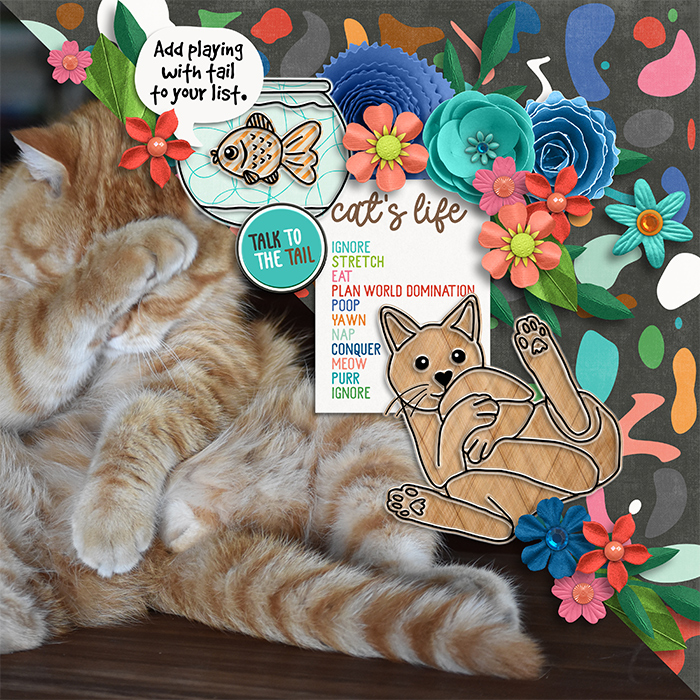
Used [url=
http://www.sweetshoppedesigns.com/sweetshoppe/product.php?productid=48732] Purrfect Kitty Doodles[/url] and [url=
https://www.sweetshoppedesigns.com/sweetshoppe/product.php?productid=48718&cat=1202&page=1]Purrfect Kitty Large Bundle[/url]
Filling the doodles with paper is actually quite simple. Here is how I do it. I work in Photoshop. I used the magic wand tool and made a selection outside of the cat I wanted to filled. I then expanded the selection a few pixels to make sure my edges will end up covered. (you can do that now or after the next step) Now select the inverse. If you had a paper sitting on a layer below, you can now choose mask on the layers pallet and it will only show what is inside the marching ants from your paper
or
you can make a new layer below the cat doodle. The fill it with color. Now add a paper above it and alt click between the layers in your pallet to clip the paper to the cat shape you just made. Both techniques work equally.
BUT
how did I do the fish differently than the tank you ask? I made a rough selection of marching ants around it. Make sure you have gone in close enough that you can make sure you don't grab something you do not want. Now I use a keyboard shortcut. CTRL (COMMAND ON MAC) ALT (OPTION ON MAC) J. This lifts the selected area to a new layer. Voila. Now you can fill the areas independent of eachother.